Start by selecting your bike to begin the purchase process
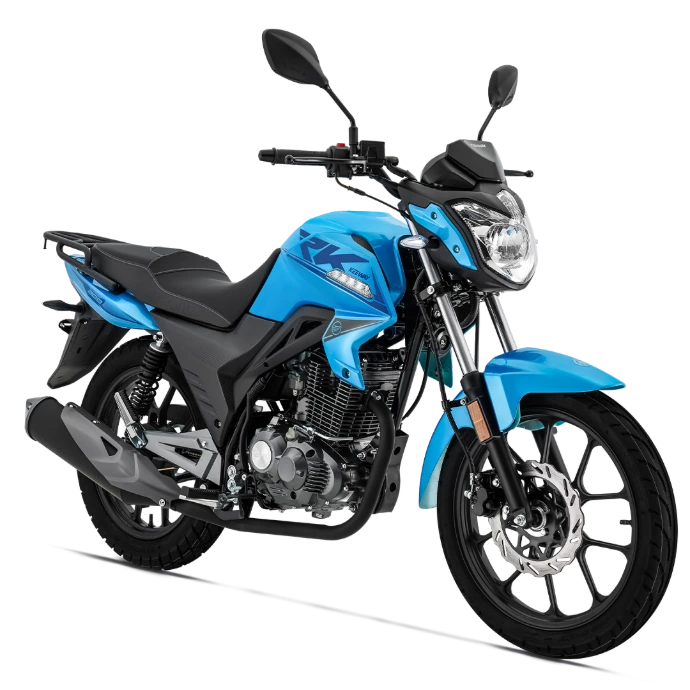
RK 200cc
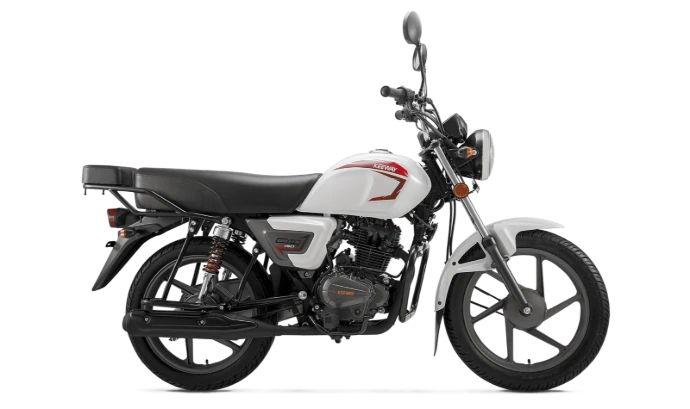
City 150cc
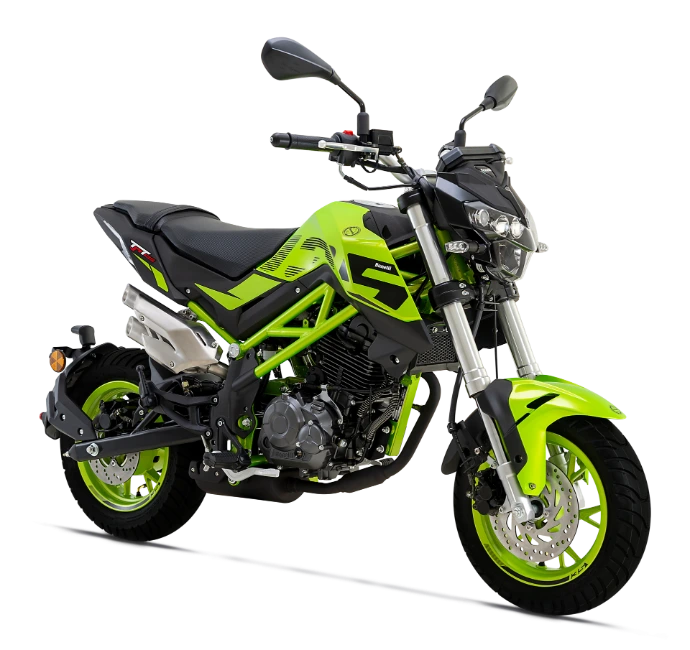
TNT 135cc
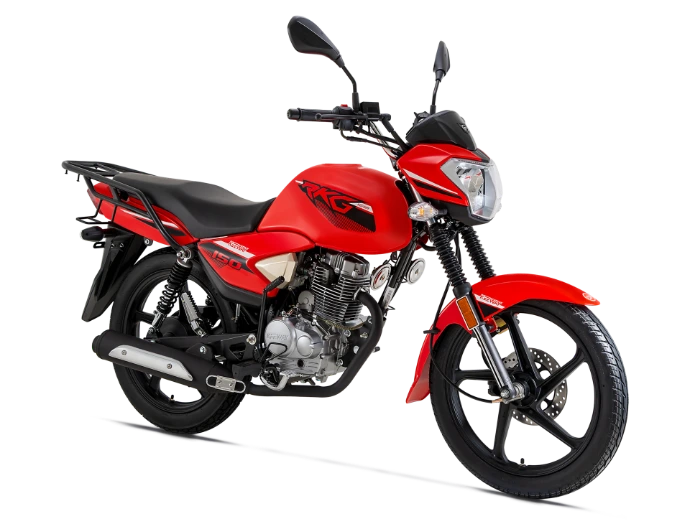
RKG 150cc
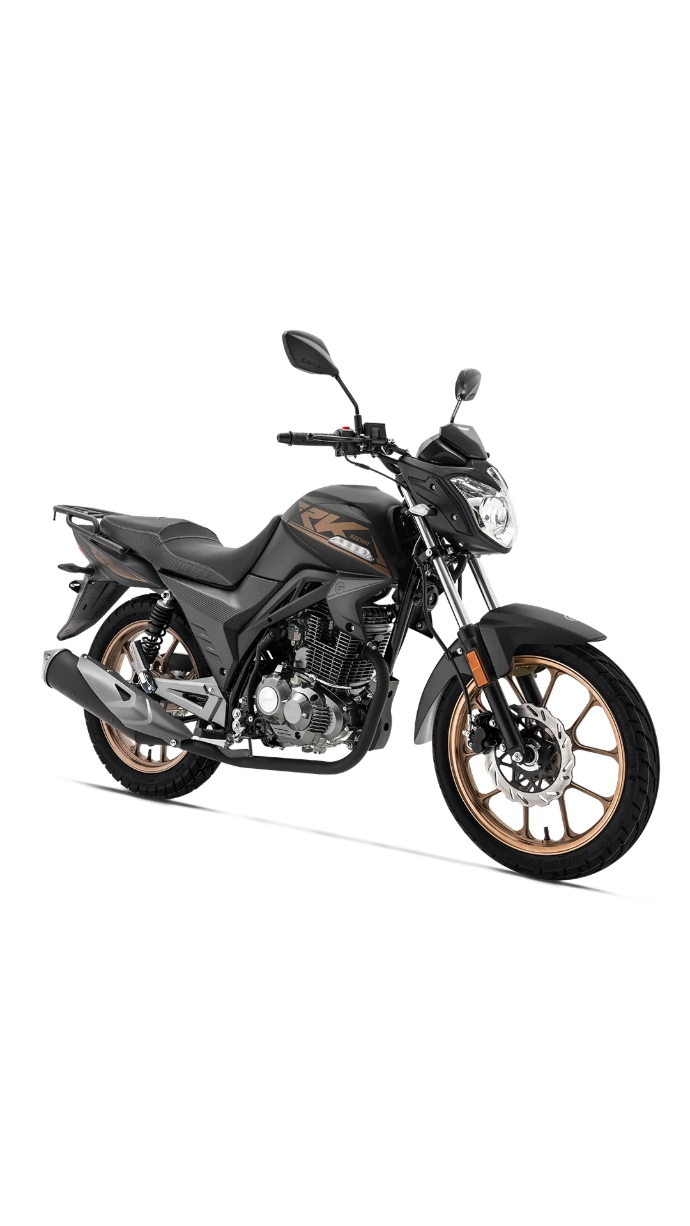
RK 150cc
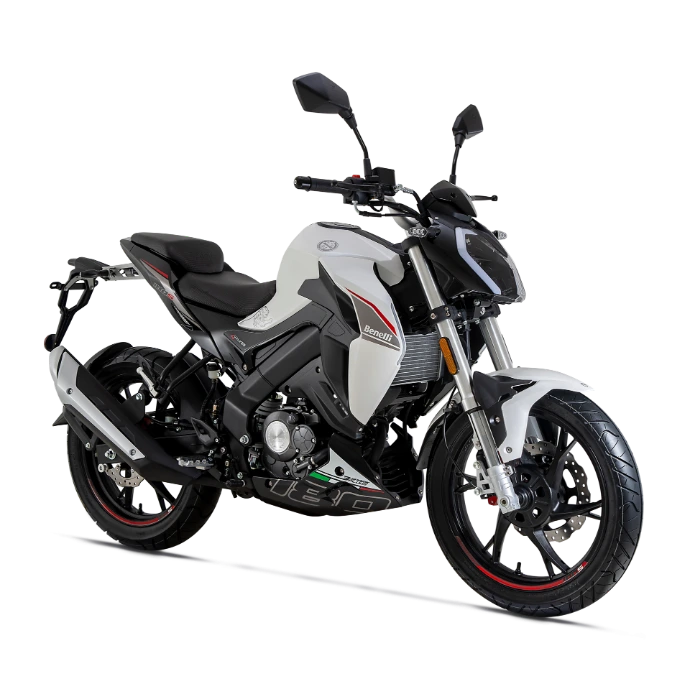
Benelli 180 s
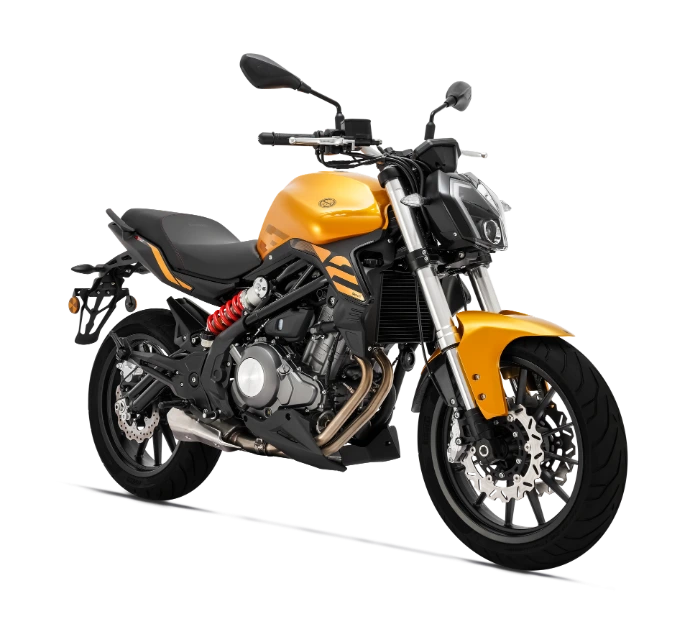
Benelli 302
Guide to Purchasing Spare Parts via the Website
To complete your order, please follow the steps below:
1.Select your bike type to start the purchase process, and you will be directed to its parts page.
2.You can specify the required part from the bike, or refer to the available images, as each part has a clear number.
3.Below the images, you will find a list of parts, and next to each part is a number inside a red circle. Match the part number in the image with the number inside
the circle in the list, then select the desired part and add it to the shopping cart.
4.If you need more than one part, you can easily specify the quantity and repeat this process until all required parts are complete.
5.After finishing, go to the shopping cart and review your order carefully, then confirm the order if there are no changes.
If you wish to have it delivered, please enter your address, then complete the purchase process.
After completing the order, you will receive a message containing your order number (e.g., SO1234).
Please send the order number via WhatsApp to customer service to finalize and confirm the order.